| home | meetings | events | miscellanea | contacts |
Leaflets are designed to be printed double-sided on A4-size paper and then folded into thirds.
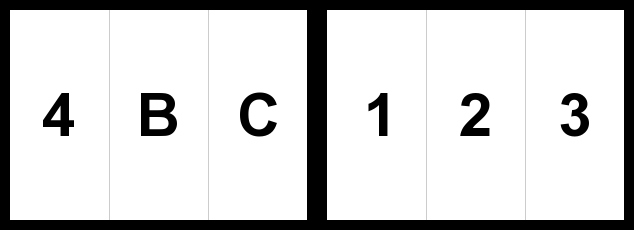
Each leaflet is a two-page PDF document. The first page of the PDF file contains page 4 of the leaflet, the back and the cover. The second page of the PDF file contains pages 1-3 of the leaflet.
When printed, the cover page should be "behind" page 1, the back page behind page 2 and page 4 behind page 3.
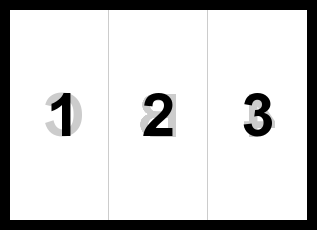
Once the leaflet is printed, fold it in thirds. Fold page 3 over page 2 and then fold page 1 over what is now page 4 so that the cover is on top.
Copyright ©2010-2012 by the maple surgery patient participation group
Last updated on 1 October 2012 by the Webmaster